Advanced Features
Transferring settings.json
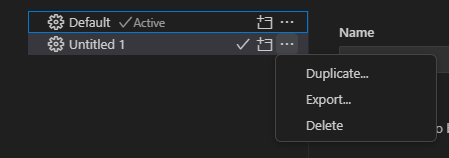
Open the Command Palette and select Preferences: Open Profiles (UI)
Export your profile: … -> Export…
On the target machine, select Import Profile > Create

Creating an SSH Key
Open a new bash terminal (local) and run:
ssh-keygen
Navigate to your .ssh directory
cat your .pub file and copy it
Log in to remote server and paste your key in your /home/id/.ssh/authorized_keys file. If it does not exist, create it.
Passwordless login!

Source Control with GitHub
- Open a Folder or Clone a Repository
- Push/Pull/Commit
- Create new branches
- Even works on HPC without needing to load git module
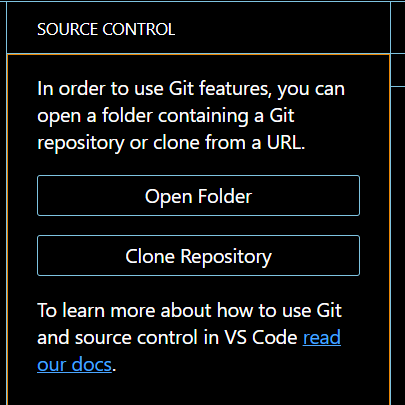

Get started with Git and GitHub:
Hello World guide on GitHub Docs
Need Help?
xve5kj@virginia.edu | hpc-support@virginia.edu
Zoom Office Hours:
Tuesdays 3pm-5pm | Thursdays 10am-12pm