Working with Files Using the Desktop
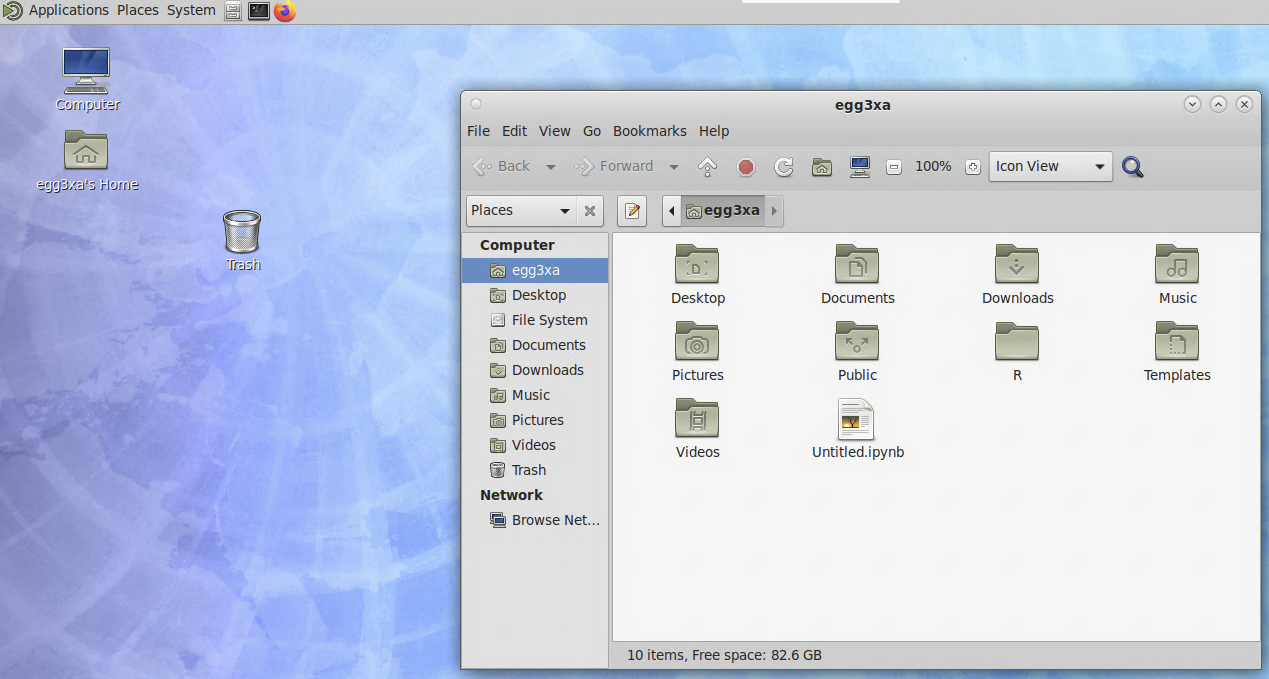
The Desktop app has a graphical file manager that can be opened by clicking the folder icon on the desktop or the file cabinet icon on the applications bar.
Using it should feel familiar. You can click and drag to move files/folders. Right-click to cut, copy, and paste.
You can create and edit files by using the Pluma editor. Right-click in the empty space and select “Create Document” to create a text file. Right-click the new file and select “Open with Pluma” to edit it. You can edit existing files this way.